How To Install Black Desert Mobile On Android
How to Install Black Desert Mobile on Android: The Ultimate Comprehensive Guide
Black Desert Mobile (BDM), developed by Pearl Abyss, has redefined the standards of mobile MMORPGs. With its breathtaking “Remastered” quality graphics, deep character customization, and fast-paced action combat, it is no surprise that millions of players are looking to dive into this expansive world. However, due to its high-fidelity nature, the installation process requires more than just a simple click of a button.
Whether you are a seasoned gamer or a newcomer to the mobile gaming scene, this guide provides an exhaustive, step-by-step walkthrough on how to install Black Desert Mobile on Android. We will cover system requirements, multiple installation methods, optimization techniques, and troubleshooting common errors to ensure you have the best possible experience.
Understanding the System Requirements for Black Desert Mobile
Before you begin the Black Desert Mobile download process, it is crucial to verify if your Android device can handle the game’s intensive resource demands. Unlike casual mobile games, BDM utilizes a proprietary engine that pushes hardware to its limits.
Minimum System Requirements
To simply run the game at the lowest settings, your device should meet these criteria:
- Operating System: Android 6.0 (Marshmallow) or higher.
- RAM: At least 3GB.
- Processor: Quad-core chipset (equivalent to Snapdragon 801 or higher).
- Storage: 5GB of free space (Initial download is small, but the in-game data is massive).
Recommended System Requirements
For a smooth experience with high-quality textures and stable frame rates, the following is recommended:
- Operating System: Android 10.0 or higher.
- RAM: 6GB or more.
- Processor: Snapdragon 845 / Exynos 9810 or better.
- Storage: 10GB+ of free space (to accommodate future patches and updates).
- Internet: Stable Wi-Fi connection (Highly recommended over mobile data).
Method 1: Installing via the Google Play Store (Official Method)
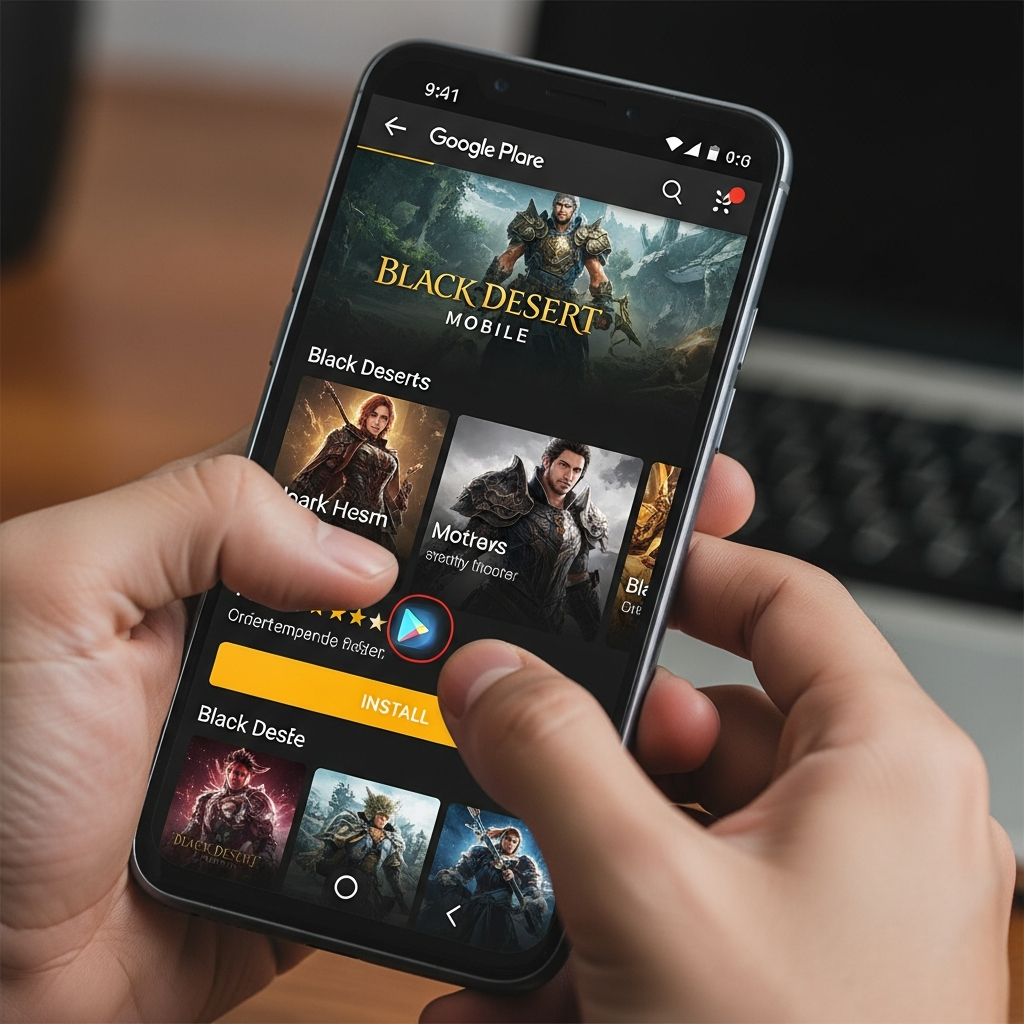
The safest and most straightforward way to install Black Desert Mobile is through the official Google Play Store. This ensures you receive the latest verified version and automatic updates.
Step 1: Open the Google Play Store
Ensure you are signed in to your Google Account. Launch the Play Store app from your Android home screen or app drawer.
Step 2: Search for the Game
Type “Black Desert Mobile” into the search bar at the top. Look for the application published by Pearl Abyss. Be wary of clones or guide apps that may look similar.
Step 3: Initiate the Download
Tap the “Install” button. The initial file size is usually around 100MB to 150MB. This is merely the “launcher” or the base client.
Step 4: Grant Permissions
Upon opening the app for the first time, Android will ask for several permissions, including access to storage. You must Allow these permissions for the game to download the necessary data files.
Step 5: The In-Game Data Download
Once the app launches, it will begin downloading the full game resources. This can range from 4GB to 8GB depending on the current version. Do not close the app or switch to a different Wi-Fi network during this process to avoid file corruption.
Method 2: Manual Installation via APK and OBB (Alternative)
In some cases, the game might not be available in your region, or the Play Store might incorrectly flag your device as “incompatible.” In these scenarios, you can perform a manual installation.
Step 1: Enable Unknown Sources
Navigate to your Android Settings > Security (or Apps & Notifications > Special App Access) and enable “Install Unknown Apps” for your browser or file manager.
Step 2: Download the APK File
Visit a reputable APK repository like APKMirror or TapTap. Download the latest Black Desert Mobile APK file. Ensure the version matches the current live version of the game.
Step 3: Install the APK
Locate the downloaded file in your “Downloads” folder and tap it to install. Do not open the game yet if it requires a separate OBB file.
Step 4: Managing OBB Files (If Applicable)
If you downloaded an XAPK or a split APK, use an app like “ZArchiver” to extract the OBB data to Internal Storage > Android > obb > com.pearlabyss.blackdesertm.gl.
Post-Installation: Setting Up Your Account
Once you have successfully installed Black Desert Mobile on Android, you need to secure your progress. The game offers several login methods:
- Google Account: Best for Android users for easy syncing.
- Facebook: Useful if you plan to play across different OS platforms.
- Line/Apple ID: Regional alternatives.
- Guest Account: NOT recommended. If you delete the app or clear cache, your progress will be lost permanently.
After logging in, you will be prompted to select a Region and Server. It is vital to choose a server close to your physical location (America, Europe, or Asia) to minimize “latency” or “ping,” which is crucial for the game’s real-time combat.
Optimizing Black Desert Mobile for Performance
Having the game installed is only half the battle. To truly enjoy the MMORPG Android experience, you must optimize the settings to prevent overheating and frame drops.
Adjusting Graphic Settings
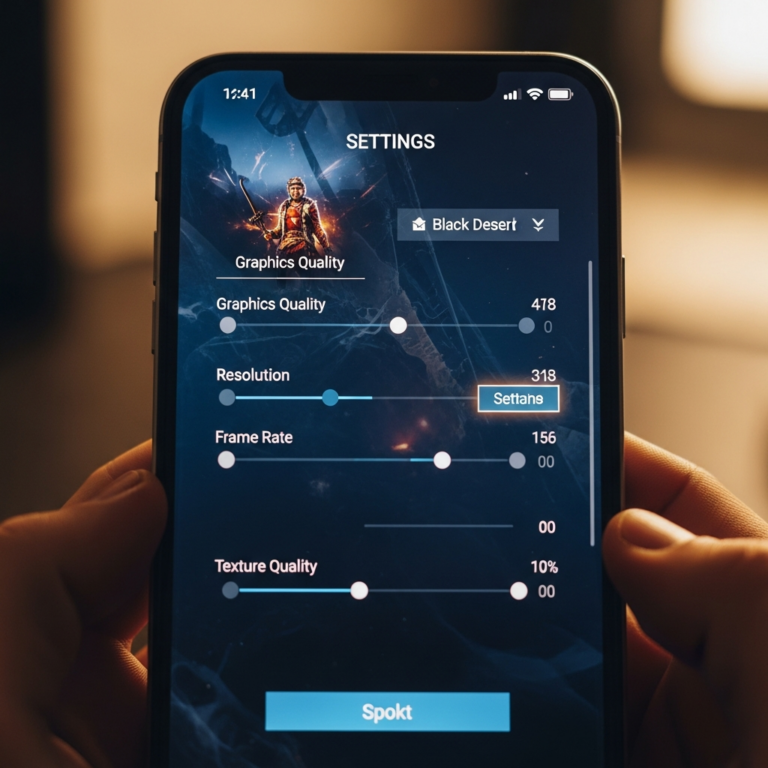
Go to Settings > Graphics within the game. You will see several presets. If your device is struggling, consider the following:
- Frame Limit: Set this to “Max” (60 FPS) for smoothness, but if the phone gets hot, drop it to 30 FPS.
- Resolution: Lowering this slightly can significantly boost performance on mid-range devices.
- Texture Quality: High textures require more VRAM. Set to “Medium” if you experience crashes.
- Effects: Turn off “Other Players’ Effects” in crowded areas like cities to reduce lag.
Battery and Heat Management
Black Desert Mobile features an “Iconic Combat” mode and a “Breathtaking” graphic setting. While beautiful, they drain battery rapidly. Use the “Sleep Mode” feature while auto-farming to dim the screen and reduce power consumption without closing the game.
Troubleshooting Common Installation Issues
Even with a perfect guide, you might encounter hurdles. Here are the most common issues when trying to download Black Desert Mobile and how to fix them:
1. “Incompatible Device” Error on Play Store
This often happens if your Android version is outdated or your screen resolution is not supported. Try clearing the cache of the Google Play Store app or using Method 2 (Manual Installation).
2. Download Stuck at 0% or 99%
This is usually a storage or connection issue. Ensure you have at least 2GB more than the required space. Android needs extra room to unpack compressed files. Restarting your router can also resolve handshake issues with the Pearl Abyss servers.
3. Frequent Crashes on Startup
Crashes often occur due to insufficient RAM. Close all background applications before launching BDM. If the problem persists, use the “Check Files” or “Verify Integrity” button on the game’s login screen to repair corrupted data.
4. Screen Overlay Detected
If you use apps like Twilight or screen recorders, they might interfere with the game’s initial permission prompts. Disable them temporarily until the installation is complete.
Why You Should Play Black Desert Mobile
Now that you know how to install Black Desert Mobile on Android, you might wonder why it is worth the effort. BDM isn’t just a port; it is a reimagining of the PC version. It offers a unique Life Skills system (fishing, logging, mining), a robust Camp Management simulator, and intense Node Wars (Guild vs. Guild combat).
The game is constantly updated with new classes, such as the Warrior, Ranger, Witch, and many more specialized “Awakened” versions. The progression system is rewarding for both F2P (Free to Play) and P2W (Pay to Win) players, provided you manage your resources wisely.
Essential Tips for Beginners After Installation
- Follow the Main Quest: Do not get distracted by side activities immediately. The main story unlocks essential features like your horse, camp, and higher-level gear.
- Join a Guild: Being part of a guild provides passive buffs and access to Guild Bosses, which are essential for earning high-tier equipment.
- Manage Your Weight: Unlike many mobile games, BDM has a weight limit. If you are over-encumbered, your combat speed drops significantly. Sell junk items to NPCs regularly.
- Use Auto-Combat Wisely: While the game allows auto-farming, manual control is necessary for difficult bosses and PvP (Player vs. Player) arenas.
Conclusion
Installing Black Desert Mobile on Android is a gateway to one of the most visually stunning and mechanically deep experiences available on mobile devices. By following the steps outlined above—ensuring hardware compatibility, choosing the right installation method, and optimizing your settings—you are now ready to begin your journey in the vast world of Valencia and Calpheon.
Remember to keep your app updated and maintain enough storage space for the frequent content drops provided by Pearl Abyss. See you in the world of Black Desert!