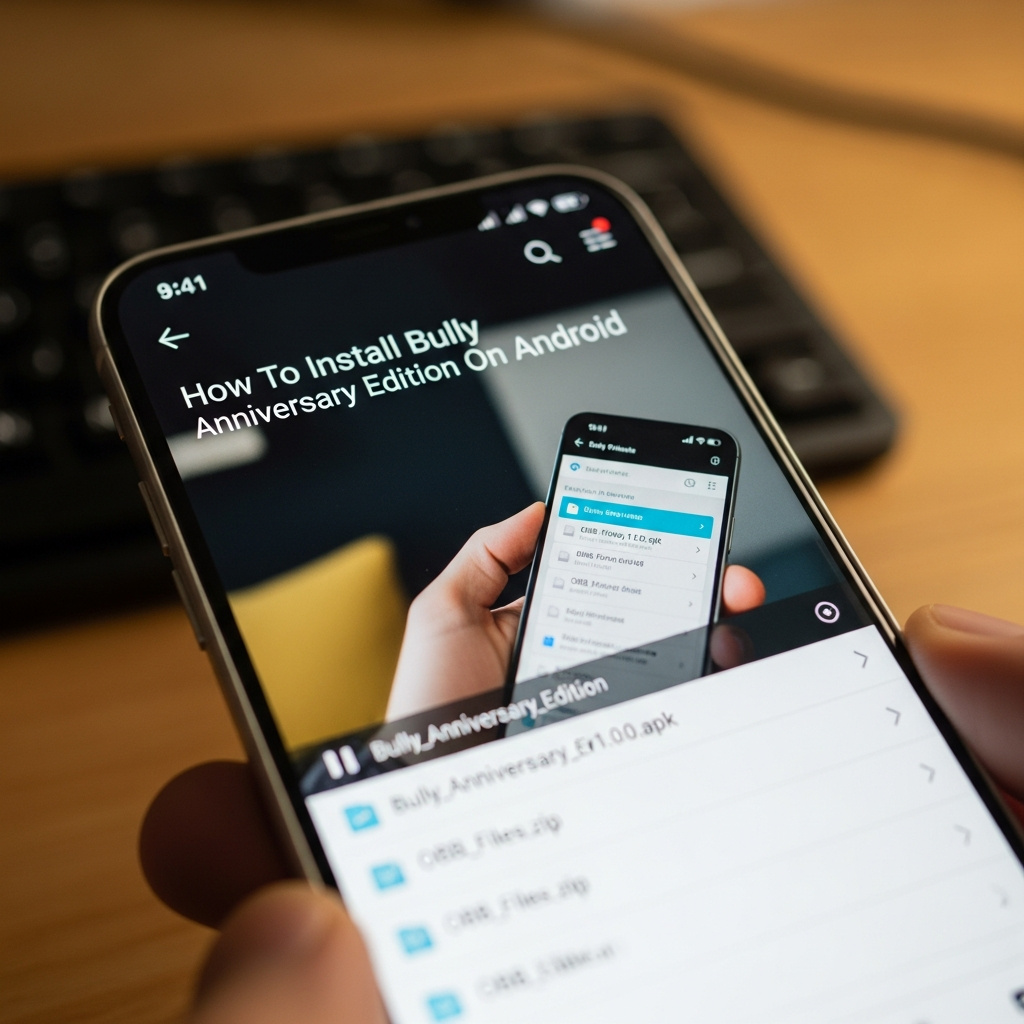
How To Install Bully Anniversary Edition On Android
How to Install Bully: Anniversary Edition on Android: The Ultimate Comprehensive Guide
Welcome to the definitive guide on how to install Bully: Anniversary Edition on Android. Whether you are a nostalgic fan looking to relive the mischief of Jimmy Hopkins or a newcomer ready to explore the halls of Bullworth Academy, this guide is designed for you. Rockstar Games has successfully ported this masterpiece to mobile, but the installation process can sometimes be tricky due to modern Android security updates.
In this long-form article, we will cover everything from system requirements and file extraction to troubleshooting the most common errors. By following this manual, you will ensure a smooth gaming experience on your smartphone or tablet.
Understanding Bully: Anniversary Edition
Bully: Anniversary Edition is not just a simple port; it is a remastered version of the original PlayStation 2 classic. It includes everything from the Scholarship Edition plus support for high-resolution displays, enhanced graphics, improved lighting, and textures. It also introduces “Friend Challenges,” which are head-to-head classroom and arcade-style mini-games.
Before you dive into the installation, it is vital to understand that this game is resource-intensive. Unlike casual mobile games, Bully requires significant processing power and storage space. Understanding the technical side of Android gaming will help you avoid frustration during the setup process.
Minimum and Recommended System Requirements
To run Bully: Anniversary Edition smoothly, your device must meet certain hardware specifications. If your device is underpowered, you may experience frequent crashes or severe lag.
- Operating System: Android 9.0 or higher (Note: Newer versions like Android 13 and 14 require specific workarounds).
- Processor (CPU): Quad-core 1.5 GHz or better (Snapdragon 600 series or higher recommended).
- RAM: At least 3GB (4GB+ recommended for stable performance).
- Storage Space: Minimum 4GB of free space. The game files are large, and you need extra room for the extraction process.
- GPU: Adreno 506 or equivalent.
Step 1: Preparing Your Android Device
Before you begin the installation guide, you must prepare your device to accept files from outside the official Google Play Store if you are using a backup or a purchased digital copy from a third-party source. This process is known as “Sideloading.”
First, you need to enable “Unknown Sources.” Go to your device Settings > Security (or Privacy) and toggle on “Install Unknown Apps.” If you are on a newer Android version, you will need to grant this permission specifically to your browser or file manager app.
Second, ensure you have a reliable file extraction tool. We highly recommend ZArchiver, which is available for free on the Play Store. It is the gold standard for handling APK and OBB files on Android because it can navigate the restricted “Android/obb” folder found in newer OS versions.
Step 2: Understanding APK and OBB Files
To install Bully: Anniversary Edition manually, you will typically deal with two types of files. Understanding the difference is crucial for a successful setup.
- The APK File: This is the application installer. It contains the code necessary to run the game but does not contain the high-quality textures, audio, or cutscenes.
- The OBB File: This is the “Opaque Binary Blob.” It contains the bulk of the game data (graphics, sounds, maps). Without this, the game will simply show a black screen or an error message saying “Download failed because you may not have purchased this app.”
The OBB file for Bully is usually titled something like main.11.com.rockstargames.bully.obb and is housed inside a folder named com.rockstargames.bully.
Step 3: Step-by-Step Installation Process
Follow these steps precisely to ensure the game functions correctly. If you skip a step, the game will likely fail to launch.
1. Download the Necessary Files
Ensure you have both the APK and the OBB data folder. If you purchased the game from the Play Store and it is not appearing, you may need to use a backup file. Always ensure your files are from a trusted source to avoid malware.
2. Install the APK
Open ZArchiver and locate your downloaded APK file. Tap on it and select “Install.” Once the installation is complete, DO NOT OPEN THE GAME YET. If you open it now, it will crash because the data files are missing.
3. Extract the OBB Data
Locate the OBB ZIP or RAR file. Long-press the file and select “Extract.” You want to extract the folder named com.rockstargames.bully.
4. Move the Folder to the OBB Directory
This is the most critical part of the extraction process. You must move the extracted folder to the following path:
Internal Storage > Android > obb
If the “obb” folder does not exist inside the “Android” folder, you must create it manually (all lowercase).
5. Verify the Path
Ensure the final path looks like this: /Android/obb/com.rockstargames.bully/main.11.com.rockstargames.bully.obb. If there is a subfolder within a subfolder, the game will not detect the data.
Step 4: Handling Android 11, 12, 13, and 14 Permissions
If you are using a modern device, Google has implemented “Scoped Storage,” which prevents apps from accessing the Android/obb folder easily. This is why many users struggle with how to install Bully Anniversary Edition on Android today.
To bypass this, when you use ZArchiver to move the files, the app will prompt you to “Allow access to ‘Android’.” You must click “Use this folder” at the bottom of the screen. This grants the file manager permission to write the game data into the restricted system directory.
Troubleshooting Common Errors
Even with a perfect installation, you might encounter issues. Here are the professional solutions to the most frequent problems.
“App Not Installed” Error
This usually happens for three reasons:
- You have an older version of the game already installed. Uninstall it first.
- You do not have enough storage space. Clear at least 5GB.
- The APK is not compatible with your device’s architecture (ARM64 vs ARMv7).
The Game Crashes on Startup
If the game closes immediately after the Rockstar Games logo, it is almost always an OBB issue. Double-check that the com.rockstargames.bully folder is in the correct location. Also, ensure you have signed into the Rockstar Games Social Club if prompted, or try launching the game in offline mode.
Black Screen Issue
A black screen usually indicates that the OBB file is corrupted or incomplete. Re-download the data and try the extraction process again. Ensure your internet connection is stable during the download.
Optimizing Gameplay Performance
Once you have successfully learned how to install Bully Anniversary Edition, you want it to run perfectly. Here are some expert tips for the best experience:
- Adjust Graphic Settings: Go to the in-game settings and lower the “Shadows” and “Resolution” if you experience frame drops.
- Use a Controller: Bully: Anniversary Edition has full HID controller support. Using an Xbox or PlayStation controller via Bluetooth provides a much better experience than touch controls.
- Disable Background Apps: Android’s RAM management can be aggressive. Close all other apps before launching Bully to prevent the OS from killing the game process.
- Battery Optimization: Go to your phone’s battery settings and set Bully to “Don’t Optimize.” This prevents the system from throttling the CPU while you play.
Conclusion
Installing Bully: Anniversary Edition on Android requires patience and attention to detail, especially regarding the placement of OBB files. By following this step-by-step guide, you have overcome the technical hurdles that stop most players. You are now ready to take on the cliques of Bullworth Academy, from the Preppies to the Greasers.
Remember to always keep a backup of your save files, as Android updates can sometimes interfere with game data. Now, go ahead and start your journey as Jimmy Hopkins!
Frequently Asked Questions (FAQ)
Is Bully: Anniversary Edition free on Android?
No, Bully: Anniversary Edition is a premium title developed by Rockstar Games. You must purchase it from the Google Play Store or own a valid license to play it legally.
Why does the game say “Download failed because you may not have purchased this app”?
This error occurs when the OBB file is missing, incorrectly named, or placed in the wrong folder. Ensure the folder is named com.rockstargames.bully and is located in /Android/obb/.
Can I play Bully on Android 14?
Yes, but you may need a modified APK or a specific patch, as the original version released by Rockstar has compatibility issues with the latest Android 14 API levels. Check community forums for the latest compatibility patches.
How much total space do I need?
You should have at least 5GB of free space. The game files take up roughly 2.8GB to 3.5GB, but the system needs “breathing room” for temporary files and cache.
Does Bully support cloud saves?
Yes, through the Rockstar Games Social Club. You can sign in to your account to sync your progress across different Android devices.