How to Install Naruto Shippuden Mobile on Android: The Ultimate Comprehensive Guide
Naruto Shippuden Mobile, developed by Tencent’s Morefun Studios, is widely considered the most authentic and high-quality Naruto fighting game available on mobile devices. With its fluid 2D side-scrolling combat, breathtaking ultimate skill animations, and a massive roster of shinobi, it is no wonder that fans globally are eager to play it.
However, there is a significant hurdle: the game is officially released only for the Chinese market. This means you will not find it on the standard Google Play Store. To enjoy this masterpiece, you need to navigate through third-party downloads, account verification processes, and regional bypasses.
In this professional guide, we will provide a step-by-step tutorial on how to install Naruto Shippuden Mobile on Android, ensuring you have all the tools and knowledge to start your journey in the Hidden Leaf Village.
Understanding Naruto Shippuden Mobile (Tencent)
Before diving into the technical steps, it is important to understand what makes this version unique. Unlike the global version “Naruto X Boruto Ninja Voltage,” the Tencent version (often referred to as Naruto Mobile) focuses on high-precision PvP (Player vs Player) and PvE (Player vs Environment) combat that mirrors the mechanics of console fighting games like Ultimate Ninja Storm.
Because the game is tailored for China, the entire interface is in Simplified Chinese. While this may seem daunting, the intuitive UI design makes it manageable once you understand the core layout.
System Requirements for Naruto Shippuden Mobile
To ensure a smooth gaming experience without lag or frequent crashes, your Android device should meet or exceed the following specifications:
Minimum Requirements:
- Operating System: Android 5.0 or higher.
- Processor: Quad-core 1.5 GHz.
- RAM: 3 GB.
- Storage Space: At least 8 GB of free space (The initial APK is small, but the in-game data updates are massive).
- Internet: Stable connection (Wi-Fi recommended).
Recommended Specifications:
- Operating System: Android 10.0 or higher.
- Processor: Snapdragon 845 / Helio G95 or better.
- RAM: 6 GB or more.
- Storage Space: 15 GB of free space.
- Display: 60Hz or 90Hz refresh rate for fluid combat.
Phase 1: Preparing Your Android Device
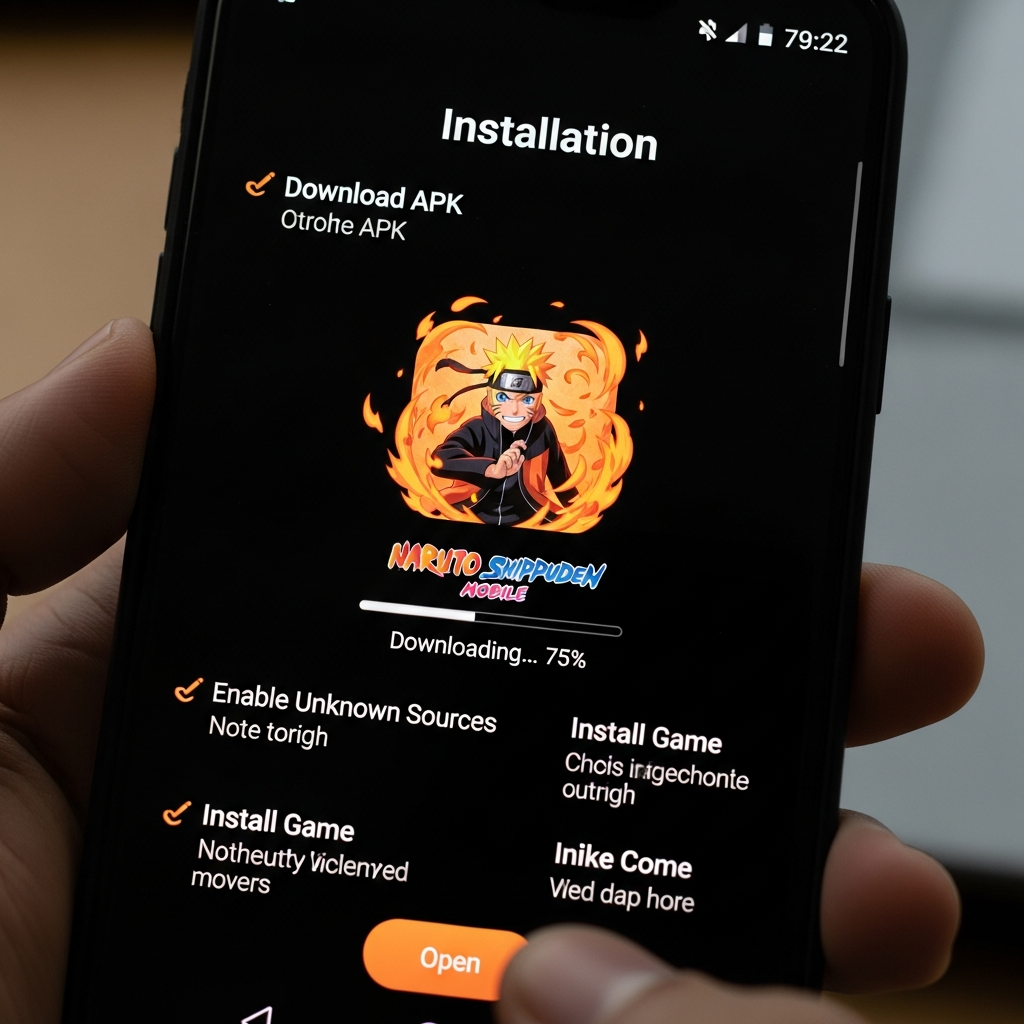
Before you can download the Naruto Shippuden Mobile APK, you must prepare your smartphone to allow installations from outside the Google Play Store.
- Enable Unknown Sources:
- Go to Settings on your Android device.
- Navigate to Security or Privacy.
- Look for the option Install Unknown Apps or Unknown Sources.
- Select your browser (e.g., Chrome) and toggle the switch to Allow.
- Check Storage Capacity:
The game requires significant resources. Ensure you have deleted unnecessary cache files or old apps to prevent installation errors such as “App Not Installed.”
Phase 2: How to Download Naruto Shippuden Mobile APK
Since the game is not on the Play Store, you must obtain the APK from a reputable source. We recommend using the official website or trusted third-party app stores specializing in Asian mobile games.
Method A: The Official Website (Recommended)
The safest way to get the latest version is directly from Tencent.
- Open your mobile browser and visit hyrz.qq.com (the official Naruto Mobile site).
- Look for the large yellow or orange button with the Android icon.
- Tap it to begin the download of the official launcher.
Method B: Using TapTap or QooApp
If the official site is slow, you can use these popular platforms:
- Download and install the TapTap (Global/Chinese) or QooApp application.
- Search for “Naruto” or “Naruto Mobile.”
- Select the version published by Tencent.
- Click Download.
Phase 3: Installing the Game
Once the APK file is downloaded, follow these steps:
- Open your File Manager and go to the Downloads folder.
- Tap on the Naruto Mobile APK file.
- A prompt will appear asking if you want to install the application. Tap Install.
- Wait for the process to complete. Once finished, do not open the game immediately.
Phase 4: Setting Up WeChat or QQ (The Most Important Step)
Naruto Shippuden Mobile does not use Google or Facebook for login. It uses Tencent’s proprietary social platforms: WeChat or QQ. Without one of these, you cannot bypass the login screen.
Option 1: Creating a WeChat Account
WeChat is generally more accessible for international users.
- Download WeChat from the Google Play Store.
- Register using your mobile phone number.
- The Verification Hurdle: WeChat often requires an existing user to scan a QR code to verify your account. Ask a friend who has WeChat to help you with this step.
- Once registered, keep the app logged in on your phone.
Option 2: Creating a QQ Account
QQ is another alternative, though registration can be stricter for non-Chinese phone numbers.
- Download the QQ app.
- Attempt to register using your phone number (use the international prefix for your country).
- If you receive an error, try registering during Chinese business hours, as their verification servers are more active then.
Phase 5: First Launch and In-Game Updates
Now that you have the game installed and a login account ready, follow these steps to start playing:
- Launch the Game: Tap the Naruto Mobile icon on your home screen.
- Grant Permissions: The game will ask for permissions (Storage, Microphone, Phone). Tap the right-side buttons (usually blue or green) to allow.
- Download Data Patches: The game will start downloading additional data. This can range from 4GB to 8GB. Ensure you are on a stable Wi-Fi connection.
- The Login Screen: After the cinematic intro, you will see two main buttons:
- Green Button: Login via WeChat.
- Blue Button: Login via QQ.
- Select the one you have registered for. The game will automatically redirect to the WeChat/QQ app to authorize the login.
Phase 6: Navigating the Chinese Interface
Navigating a game in a foreign language can be challenging. Here is a quick translation guide for the essential menu items:
- Quest/Story Mode (剧情): Usually located at the bottom left or via a scroll-like icon. This follows the Naruto anime storyline.
- Ninja/Roster (忍者): Where you view your unlocked characters, upgrade their stars, and equip skills.
- Arena (决斗场): The heart of the game. This is the real-time PvP mode.
- Inventory (背包): Where your items, fragments, and materials are stored.
- Mail (邮件): Check this daily for rewards and system announcements.
- Settings (设置): Look for the gear icon. Here you can adjust graphics (High/Low) and sound.
Pro-Tips for a Better Gameplay Experience
- Use a Game Booster: Since the servers are located in China, you might experience high ping (latency). Use apps like UU Game Booster or GearUP Booster specifically designed to stabilize connections for Tencent games.
- Daily Tasks are Key: Even if you don’t play much, log in daily to complete the “Daily Active” tasks. This is the primary way to earn Gold, which is needed to buy ninja fragments.
- Don’t Waste Gold: As a beginner, resist the urge to spend gold on common ninja recruits. Save your gold for “S-Rank” or “A-Rank” ninja events.
- Learn the Combat Mechanics: Unlike button-mashers, this game relies on “Combos” and “Substitutions.” Learn when to use your Substitution Jutsu (the log icon) wisely, as it has a long cooldown.
Troubleshooting Common Installation Issues
- “App Not Installed” Error: This usually happens if you have insufficient storage or if a previous version of the game was not completely uninstalled.
- Black Screen on Startup: This often relates to missing OBB data or incompatible hardware. Try restarting your device or clearing the game cache.
- Login Authorization Failed: Ensure your WeChat or QQ app is updated to the latest version and that you are logged in there before opening Naruto Mobile.
- Region Lock Issues: While the game itself isn’t strictly region-locked, your ISP might throttle the connection to Chinese servers. Using a VPN set to a nearby Asian country (like Hong Kong or Singapore) can sometimes help.
Is Naruto Shippuden Mobile Worth the Effort?
Absolutely. For any Naruto fan, this game offers the most detailed representation of the series. The combat is deep, the graphics are stunning, and the competitive scene is thriving. While the installation process requires a few extra steps compared to standard apps, the reward is access to one of the best mobile action games ever created.
By following this Naruto Shippuden Mobile Android installation guide, you have successfully bypassed the technical barriers. It is time to step into the arena and prove your skills as a shinobi!
Final Checklist Before You Play:
- [ ] Device has 10GB+ free space.
- [ ] WeChat/QQ account is active.
- [ ] Unknown Sources is enabled.
- [ ] Game data is fully downloaded.
- Game Booster is installed for low ping.
Enjoy your journey in the world of Naruto!