How to Install Marvel Future Fight on Android: The Ultimate Step-by-Step Guide
Marvel Future Fight (MFF), developed by Netmarble, remains one of the most popular and visually stunning Action RPGs available on mobile platforms. Featuring an expansive roster of over 200 characters from the Marvel Universe, including the Avengers, Guardians of the Galaxy, and the X-Men, it offers a deep gaming experience that combines strategy with high-octane combat.
If you are a fan of the Marvel Cinematic Universe or the classic comics, you likely want to dive into this game immediately. However, for many users, the installation process can sometimes be tricky due to large file sizes, hardware requirements, or regional availability. In this comprehensive guide, you will learn exactly how to install Marvel Future Fight on Android using multiple methods, ensuring you can start your superhero journey without a hitch.
Understanding Marvel Future Fight System Requirements
Before you begin the installation, it is crucial to verify if your Android device can handle the game. Marvel Future Fight is a resource-intensive game with high-quality 3D graphics and complex particle effects. Attempting to install it on an unsupported device may lead to crashes or “device not compatible” errors in the Google Play Store.
Minimum System Requirements
- Operating System: Android 5.1 (Lollipop) or higher.
- RAM: At least 3GB (4GB recommended for stability).
- Processor: Quad-core 1.5 GHz or equivalent.
- Storage Space: Minimum 5GB of free space (the initial download is small, but the in-game data is massive).
Recommended System Requirements
- Operating System: Android 10.0 or higher.
- RAM: 6GB or more.
- Processor: Snapdragon 800 series or equivalent high-end chipset.
- Storage Space: 10GB of free space to allow for future updates and cache files.
- Internet: Stable Wi-Fi connection is highly recommended for the initial 2GB+ data patch.
Method 1: Installing via Google Play Store (Recommended)
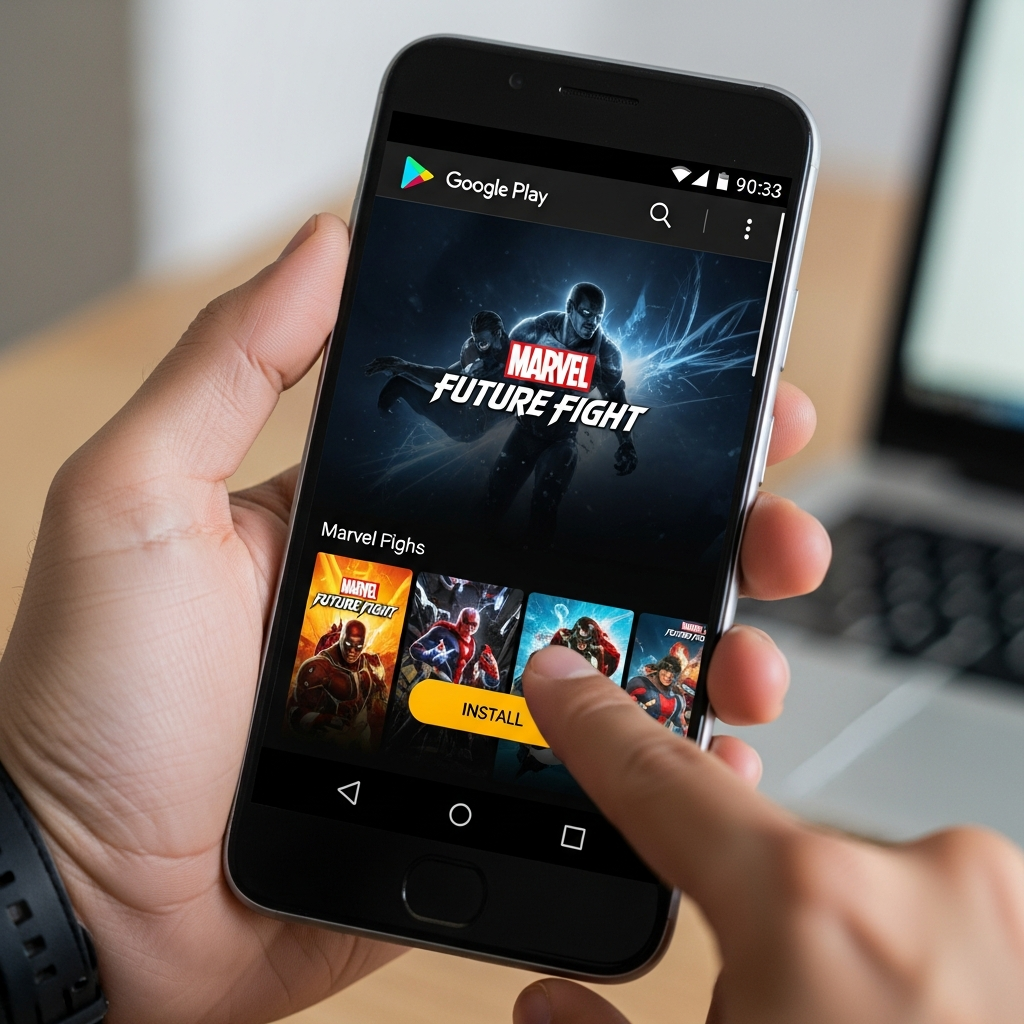
The safest and most straightforward way to install Marvel Future Fight is through the official Google Play Store. This method ensures you receive the latest official updates and that your game data is securely linked to your Google account.
Step 1: Open the Google Play Store
Locate the Google Play Store icon on your Android home screen or app drawer. Ensure that you are signed in with a valid Google account.
Step 2: Search for the Game
Tap on the search bar at the top and type “Marvel Future Fight“. As you type, the official app by Netmarble Corp. should appear in the suggestions.
Step 3: Initiate the Installation
Tap on the “Install” button. Your device will first download the base APK file, which is usually around 100MB to 150MB. Ensure you are connected to a Wi-Fi network to avoid excessive mobile data charges.
Step 4: Grant Permissions
Android may prompt you to grant certain permissions, such as access to storage. This is necessary for the game to download and save its additional data files (OBB).
Step 5: Launch and Download Internal Data
Once the initial installation is complete, tap “Open”. The game will launch into a splash screen and begin downloading the additional game data. This can range from 2GB to 4GB depending on the current version. Do not close the app during this process.
Method 2: Installing via APK and OBB (Manual Method)
Sometimes, the Google Play Store might show a “This item is not available in your country” error, or you might want to install the game on a device without Play Store services. In such cases, you can install the game manually using an APK file.
Step 1: Enable Unknown Sources
By default, Android blocks installations from outside the Play Store. Go to Settings > Security (or Biometrics and Security) and toggle on “Install Unknown Apps” for your mobile browser.
Step 2: Download the APK File
Visit a reputable APK hosting site like APKMirror or APKPure. Search for “Marvel Future Fight” and download the latest version of the APK. Be careful to avoid third-party sites that look suspicious.
Step 3: Install the APK
Open your file manager, locate the downloaded APK in the “Downloads” folder, and tap on it. Follow the on-screen prompts to install the application.
Step 4: Handling OBB Data
If you downloaded a “bundle” or “XAPK”, you may need an installer app like the APKPure App or ZArchiver to extract the OBB data into the Android/obb/com.netmarble.mherosgb folder. If you only downloaded the APK, the game will attempt to download the OBB data automatically upon the first launch.
Optimizing Your Android Device for Marvel Future Fight
Once you have successfully installed Marvel Future Fight on Android, you want the smoothest gameplay experience possible. Because MFF features intense World Boss Ultimate (WBU) and Giant Boss Raid (GBR) modes, lag can be your worst enemy.
1. Clear Background Applications
Before launching the game, close all other apps. Marvel Future Fight requires significant RAM to render high-quality textures and manage real-time combat calculations.
2. Adjust In-Game Graphics Settings
If you experience frame drops, go to the in-game Settings > Graphics. Lower the “Graphics Quality” and “Performance” settings. Disabling “VFX” (Visual Effects) can also significantly improve performance on older Android devices.
3. Use Game Booster Mode
Most modern Android phones from Samsung, Xiaomi, or OnePlus come with a built-in Game Booster. Ensure this is active to prioritize CPU/GPU resources for MFF and block distracting notifications.
Common Installation Issues and How to Fix Them
Even with a clear guide, you might encounter hurdles. Here are the most common problems when trying to get Marvel Future Fight on Android and their solutions.
Issue: “Insufficient Storage Space”
This is the most common error. Remember that the Play Store only checks for the base file size. You need at least 6GB of free space for the full game. Solution: Delete unused apps, clear your browser cache, or move photos to the cloud.
Issue: “App Not Installed” Error
This usually happens if there is a conflict with a previous version or if the APK file is corrupted. Solution: Uninstall any existing versions of the game, restart your phone, and try the installation again.
Issue: Stuck on “Downloading Resources”
If the in-game download bar doesn’t move, it is likely a network timeout. Solution: Switch from Wi-Fi to Mobile Data (or vice versa) to reset the connection. Alternatively, clear the app’s cache in Settings > Apps > Marvel Future Fight > Storage > Clear Cache.
Initial Setup and Account Binding
After the installation is complete and the data is downloaded, you will be prompted to log in. This is a critical step that many beginners overlook.
- Guest Account: Avoid using this. If you lose your phone or uninstall the game, your progress will be gone forever.
- Google Play Games: The standard method for Android users. It syncs your achievements and progress.
- Facebook/Apple ID: You can also link these for cross-platform play if you ever switch to an iOS device.
Once your account is bound, you will go through a tutorial. Pay close attention to the Hero Selection. Pro-tip: Focus on characters that are easy to build but powerful, such as Sharon Rogers or Sersi, as they will help you clear early content much faster.
Why You Should Play Marvel Future Fight Today
Marvel Future Fight is not just another mobile game; it is a continuously evolving platform. Netmarble releases monthly updates that coincide with the latest Marvel movies and Disney+ shows. Whether it’s “Deadpool & Wolverine” or “The Marvels,” you can expect new uniforms, tier-4 advancements, and story chapters that keep the game fresh.
The community is also incredibly active. Joining an Alliance after your installation is finished will provide you with extra stat bonuses and access to Alliance Conquest and Alliance Battle modes, which are essential for gathering rare materials like Titan Component Packs and Essence of Dimension.
Conclusion
Learning how to install Marvel Future Fight on Android is the first step toward building your dream team of superheroes. Whether you choose the official Google Play Store method or the manual APK route, ensuring your device meets the requirements and has enough storage is the key to success.
With its stunning visuals, deep RPG mechanics, and a roster that spans the entire Marvel multiverse, Marvel Future Fight offers hundreds of hours of entertainment. Follow the steps above, optimize your settings, and prepare for battle!