How to Install One Piece Bounty Rush on Android: The Ultimate Comprehensive Guide
One Piece Bounty Rush (OPBR) has evolved into one of the most competitive and visually stunning mobile games in the anime world. Developed by Bandai Namco Entertainment, this 4v4 real-time treasure-capture battle game allows you to step into the shoes of your favorite pirates and marines from the legendary One Piece series. However, for many users, getting the game up and running smoothly on an Android device can sometimes be a hurdle due to regional restrictions, hardware compatibility, or software glitches.
Whether you are a seasoned veteran looking to reinstall or a newcomer eager to pull your first Extreme (EX) character, this guide provides a deep dive into every possible method to install One Piece Bounty Rush. We will cover official methods, third-party alternatives, and advanced troubleshooting to ensure you are ready for the Grand Line.
Understanding One Piece Bounty Rush System Requirements
Before proceeding with the installation, it is imperative to verify if your Android device can handle the high-octane action of OPBR. The game features 3D graphics and fast-paced multiplayer interactions that require stable hardware.
Minimum System Requirements
- Operating System: Android 5.0 (Lollipop) or higher.
- RAM: 3GB Minimum (The game may crash on 2GB devices).
- Processor: Quad-core 1.5 GHz or equivalent.
- Storage: At least 4GB of free space (The initial download is small, but the in-game data is massive).
Recommended System Requirements
- Operating System: Android 10.0 or higher.
- RAM: 6GB or higher for smooth 60 FPS gameplay.
- Processor: Snapdragon 700 series / 800 series or equivalent MediaTek Dimensity.
- Storage: 6GB+ of free space to accommodate future updates and cache.
Pro Tip: Playing on a device that barely meets the minimum requirements will often lead to “lag” during League Battles, which can negatively impact your team’s performance. Always ensure your device is optimized before starting a match.
Method 1: Installing via the Official Google Play Store
The most secure and straightforward way to install One Piece Bounty Rush is through the Google Play Store. This ensures you receive official updates and that your data is handled securely by Bandai Namco.
Step-by-Step Instructions:
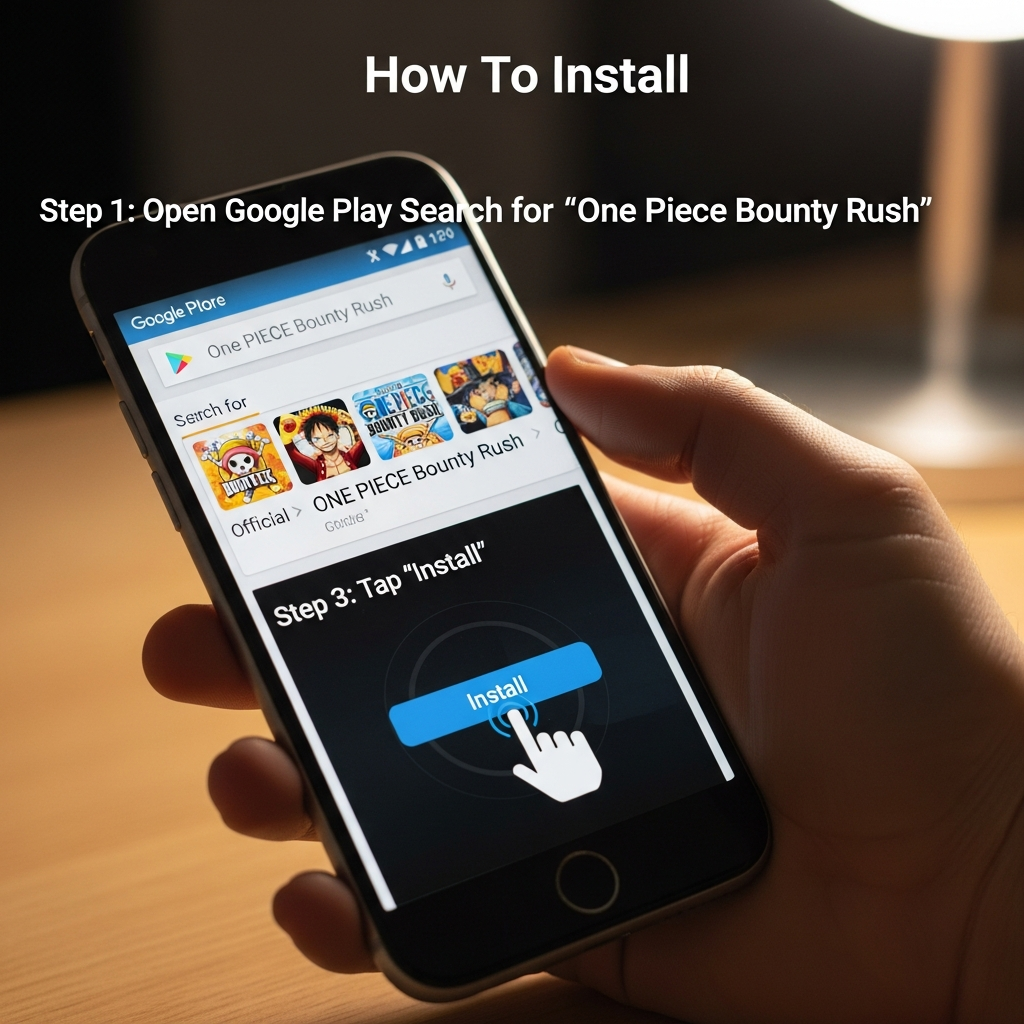
- Open the Google Play Store app on your Android smartphone or tablet.
- Tap the search bar at the top and type “One Piece Bounty Rush”.
- Select the official game from the search results (Verify that the developer is Bandai Namco Entertainment Inc.).
- Tap the Install button.
- Once the download is complete, tap Open to launch the game.
- Upon launching, the game will ask for permission to access storage. Grant these permissions to allow the game to download additional data.
Note: If you cannot find the game in the Play Store, it is likely that the game is not officially supported in your region or your device is considered “incompatible” by Google’s filters.
Method 2: How to Install OPBR if “Device is Not Compatible”
It is common for Android users to see the message “Your device isn’t compatible with this version” even if their hardware is powerful enough. This usually happens because of specific software flags or regional lockdowns. You can bypass this using trusted third-party app stores like QooApp or TapTap.
Using QooApp (Recommended for Anime Games):
- Go to the official QooApp website using your mobile browser.
- Download and install the QooApp APK. You may need to enable “Install from Unknown Sources” in your Android settings.
- Open QooApp and search for “One Piece Bounty Rush”.
- Select the Global or Japanese version (Global is recommended for English speakers).
- Click Download and then Install once the file is ready.
Using TapTap:
- Visit the TapTap website and download their client.
- Search for the game within the TapTap interface.
- Tap the Download button. TapTap handles the OBB data automatically, making it very user-friendly.
Method 3: Manual APK and OBB Installation
For advanced users who prefer manual control or need to share the game files via local transfer, the APK + OBB method is the way to go. However, you must be cautious about where you download these files to avoid malware.
The Danger of Third-Party APKs
Always use reputable sites like APKMirror or APKPure. Never download “Modded APKs” promising free Rainbow Diamonds, as these are almost always scams that will result in a permanent ban or a compromised device.
Installation Steps:
- Download the One Piece Bounty Rush APK file from a trusted source.
- If the file comes as a .XAPK, you will need an XAPK Installer (available on the Play Store).
- If it is a standard APK, tap the file to install it.
- Do not open the game yet. If there is a separate OBB file, move it to:
Internal Storage > Android > obb > com.bandainamcoent.opbrww. - Launch the game and wait for the internal data verification.
Bypassing Regional Restrictions with a VPN
In some countries, One Piece Bounty Rush is not listed on the Play Store due to local licensing agreements. If you want to use the official Play Store method despite these restrictions, follow these steps:
- Download a reputable VPN (such as ExpressVPN, NordVPN, or a free alternative like TunnelBear).
- Connect to a server in a country where the game is available (e.g., USA, Japan, or Singapore).
- Go to your Android Settings > Apps > Google Play Store > Storage and tap Clear Data.
- Open the Play Store again while the VPN is active.
- Search for One Piece Bounty Rush, and it should now appear for download.
The Initial In-Game Data Download
After you successfully install the app, the real work begins. One Piece Bounty Rush uses a “thin client” system, meaning the app you download from the store is just a shell. The bulk of the game assets—including character models, maps, and voice acting—are downloaded within the app.
- Data Size: Expect an additional download of 2GB to 4GB.
- Connection: Use a stable Wi-Fi connection. Using mobile data for this step is prone to file corruption.
- Stay Awake: Keep the app open during the download. If the app moves to the background, Android may kill the process, forcing you to restart the download.
Essential First Steps After Installation
Once the installation is complete and you have passed the tutorial, there are two critical things you must do to protect your progress and enjoy the game.
1. Linking Your Account (Crucial!)
One Piece Bounty Rush does not automatically save your progress to the cloud unless you tell it to. If you delete the app or lose your phone, your progress is gone forever.
- Go to Menu > Link Data.
- Choose to link with Google Play or Facebook.
- Alternatively, generate a Transfer ID and password, but remember that these can expire or be lost.
2. The “Reroll” Strategy
If you want a head start, many players perform a “Reroll.” This involves deleting and reinstalling the game (or clearing data) until the initial free “Rainbow Diamonds” grant you a top-tier character like Gear 5 Luffy, Shanks, or Kaido. Having a powerful character from day one makes the climb to S+ League much easier.
Troubleshooting Common Installation Issues
Issue: “App Not Installed” Error
This is usually caused by insufficient storage space or a conflict with a previous version of the game. Ensure you have at least 5GB free and uninstall any old versions of OPBR before trying again.
Issue: Black Screen on Launch
A black screen usually indicates that the OBB data is missing or the game lacks permission to access storage. Go to Settings > Apps > Bounty Rush > Permissions and ensure “Storage” (or Files and Media) is enabled.
Issue: Connection Timeout / Server Maintenance
If the game installs but won’t let you past the title screen, check the official @OPBR_global Twitter (X) account. Bandai Namco frequently performs maintenance, during which the servers are completely inaccessible.
Optimizing One Piece Bounty Rush for Android
To ensure the best experience after installation, consider these optimization tips:
- Disable Battery Saver: Battery saving modes often throttle the CPU, causing frame drops in 4v4 battles.
- Enable Game Mode: Most modern Android phones (Samsung, Xiaomi, OnePlus) have a built-in Game Turbo or Game Mode. Use it to prioritize network bandwidth for OPBR.
- Lower Graphics Settings: If your phone gets hot, go to the in-game Options > Graphics and set the quality to “Standard” or “Low” while keeping “High Frame Rate” enabled.
Frequently Asked Questions (FAQ)
Is One Piece Bounty Rush free to play?
Yes, the game is free to download and play. However, it contains in-app purchases for “Rainbow Diamonds,” which are used for the Gacha system to acquire new characters.
Can I play OPBR on a rooted Android device?
Bandai Namco has strict security measures. Rooted devices may fail to launch the game or face immediate bans. It is recommended to play on a non-rooted, official firmware for the best stability.
How do I update the game if I installed it via APK?
If you used an APK, you cannot update through the Play Store. You must download the new version’s APK and install it over the old one. Your data should remain intact as long as the package signature is the same.
Conclusion
Installing One Piece Bounty Rush on Android is a gateway to one of the most engaging mobile competitive experiences available today. While regional locks and compatibility issues can be frustrating, the methods outlined above—from the official Play Store route to using QooApp or a VPN—ensure that every One Piece fan can join the fray.
Remember to always link your account immediately after installation to safeguard your hard-earned characters. Now that you know how to get the game running, it’s time to head out to the battlefield, capture those treasures, and become the Pirate King!