How to Install Zenless Zone Zero on Android: The Ultimate Comprehensive Guide
The arrival of Zenless Zone Zero (ZZZ), the latest urban fantasy action RPG from HoYoverse, has set the mobile gaming world ablaze. With its high-octane combat, stylish aesthetics, and immersive narrative set in the post-apocalyptic metropolis of New Eridu, it is no wonder you are eager to jump into the fray. However, a game of this graphical fidelity requires more than just a simple click of a button.
In this definitive guide, we will walk you through every nuance of how to install Zenless Zone Zero on Android. From verifying your device’s compatibility to optimizing your settings for 60 FPS gameplay, this pillar article serves as your complete roadmap to becoming a top-tier Proxy.
1. Understanding Zenless Zone Zero System Requirements
Before you initiate the Zenless Zone Zero mobile download, you must ensure your hardware is capable of handling the game’s heavy graphical load. HoYoverse titles are known for pushing mobile hardware to its limits.
Minimum System Requirements
To simply run the game at low settings, your Android device should meet these specifications:
- Processor (CPU): Snapdragon 855, Dimensity 1200, or Kirin 990.
- RAM: 8GB or higher.
- Operating System: Android 11.0 or later.
- Storage Space: At least 20GB of free space (initial download is smaller, but the extracted data is massive).
Recommended System Requirements
For a smooth experience with high textures and stable frame rates, the following is advised:
- Processor (CPU): Snapdragon 8 Gen 1, Dimensity 8200, or better.
- RAM: 8GB – 12GB.
- Operating System: Android 12 or higher.
- Storage Space: 25GB+ of high-speed internal storage (UFS 3.1 preferred).
Expert Tip: Installing the game on an external SD card is generally not recommended as it significantly increases loading times and may cause in-game stuttering. Always use internal storage for the best performance.
2. Preparing Your Device for Installation
A successful installation starts with a clean environment. Follow these steps to prepare your Android smartphone:
- Check Storage Availability: Go to Settings > Storage. Ensure you have at least 25GB free. The Zenless Zone Zero storage size grows after every update, so leaving a buffer is wise.
- Stable Internet Connection: We highly recommend using a high-speed Wi-Fi connection. The total data package exceeds 15GB, which can easily exhaust mobile data plans and lead to corruption if the signal is unstable.
- Battery Optimization: Ensure your phone has at least 50% battery or is plugged into a charger. The extraction process is CPU-intensive and can drain the battery rapidly.
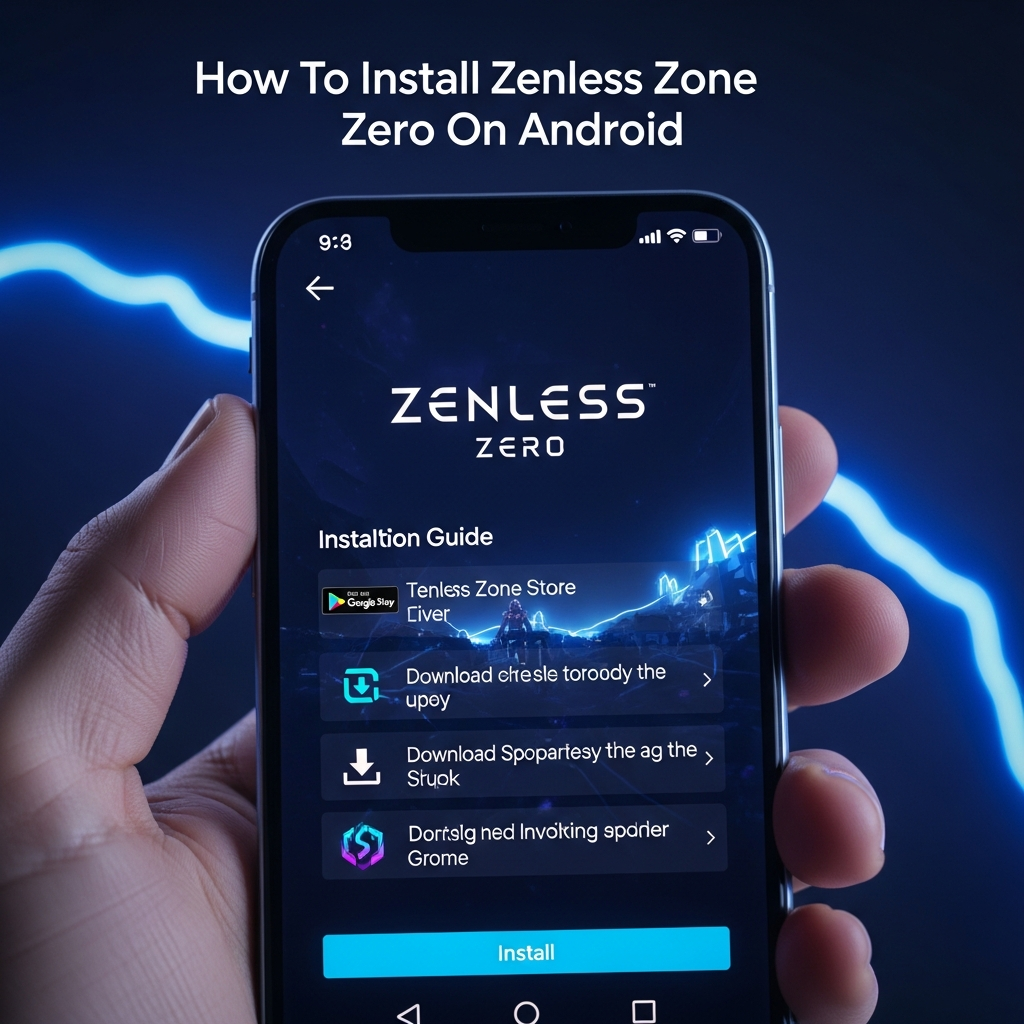
3. How to Install Zenless Zone Zero via Google Play Store
The most secure and straightforward method is through the official Google Play Store.
Step 1: Search and Locate
Open the Google Play Store app on your Android device. Type “Zenless Zone Zero” into the search bar. Look for the official app published by COGNOSPHERE PTE. LTD. (the global publishing arm of HoYoverse).
Step 2: Initiate Download
Tap the Install button. The initial download is a “launcher” package, typically around 200MB to 500MB.
Step 3: Grant Permissions
Upon opening the app for the first time, you will be asked to grant permissions for storage access and audio. These are necessary for downloading game assets and using in-game voice chat.
Step 4: In-Game Resource Download
Once the app opens, it will begin downloading the “Resource Integrity Check” and the main game files. This is the largest part of the ZZZ Android installation. Do not close the app or switch to other heavy applications during this process.
4. Manual Installation: Using APK and XAPK Files
In some regions, or on devices without Google Play Services (like newer Huawei models), you may need to install the game manually.
Using Trusted Third-Party Stores
Apps like TapTap or QooApp are reputable sources for mobile gamers.
- Download and install the TapTap or QooApp APK from their official websites.
- Search for “Zenless Zone Zero” within their interface.
- Click Download. These stores often handle the XAPK (APK + OBB data) installation automatically for you.
Risk Warning
Avoid “Modded” or “Unlimited Currency” APKs. These are almost always malware or phishing attempts. Only download from official or highly-vetted community sources to protect your HoYoverse account.
5. Setting Up Your HoYoverse Account
Once the installation is complete, you need an account to save your progress.
- Launch the Game: Tap the ZZZ icon on your home screen.
- Login Options: You can log in using a HoYoverse Account, Google, or Facebook.
- Account Binding: If you have played Genshin Impact or Honkai: Star Rail, use the same credentials to keep all your games under one HoYoverse ID.
- Server Selection: Choose the server closest to your physical location (Asia, America, Europe) to minimize “Ping” or latency during combat.
6. Post-Installation: Optimizing for Performance
Installing the game is only half the battle. To truly enjoy the combat mechanics of Zenless Zone Zero, you need a stable frame rate.
Recommended Settings for Mid-Range Devices
If your device gets hot or lags, navigate to Options > Graphics and adjust the following:
- FPS: Set to 30 or 60 (Avoid “Unlimited” to prevent overheating).
- Shadow Quality: Medium or Low.
- Visual Effects: Medium.
- Anti-Aliasing: TAA or Off.
- Mirror Reflections: Off.
Enabling “Game Mode”
Most modern Android phones (Samsung, Xiaomi, OnePlus) have a built-in Game Turbo or Game Mode. Ensure this is active to prioritize CPU/GPU resources for Zenless Zone Zero and block intrusive notifications.
7. Troubleshooting Common Installation Errors
Even with a perfect guide, errors can occur. Here is how to fix the most common issues:
“App Not Installed” Error
This usually occurs due to insufficient storage space or a corrupted download. Clear your cache, delete the partial download, and ensure you have double the required space available before retrying.
“Device Not Compatible”
If the Play Store says your device isn’t compatible, your Android version might be too old, or your processor doesn’t support 64-bit architecture. In some cases, downloading the APK via TapTap can bypass this check, but performance may be poor.
Black Screen on Startup
This is often related to a failure in the shader compilation process. Try restarting your device or clicking the “Repair” icon (the wrench symbol) on the game’s login screen to verify file integrity.
8. Why You Should Play Zenless Zone Zero on Android
Zenless Zone Zero is designed with a “mobile-first” philosophy. The touch controls are incredibly responsive, making the “Chain Attack” mechanics feel natural. Unlike other open-world games, ZZZ uses a hub-based system and “Hollow” exploration, which is perfect for short gaming sessions on the go.
Key Features to Look Forward To:
- Dynamic Combat: Switch between three characters seamlessly to trigger powerful combos.
- The Hollow Deep Dive: A unique rogue-lite progression system involving “TV” screens and tactical decision-making.
- Urban Life Simulation: Spend time at the “Random Play” video store or grab a coffee at “Sixth Street” to buff your stats.
9. Frequently Asked Questions (FAQ)
Is Zenless Zone Zero free to play on Android?
Yes, Zenless Zone Zero is a free-to-play title. It uses a “Gacha” monetization system where you can spend in-game currency (Polychromes) or real money to pull for new characters (Agents) and weapons (W-Engines).
How much total space does Zenless Zone Zero take?
As of the current version, you should reserve at least 20GB to 25GB of storage. Future updates will likely increase this requirement.
Can I play ZZZ with a controller on Android?
Yes! Zenless Zone Zero features native controller support for Android. You can connect a PlayStation DualSense, Xbox Controller, or specialized mobile controllers like the Backbone One via Bluetooth or USB-C.
Is an internet connection required?
Yes, Zenless Zone Zero is an “always-online” game. You need a stable connection to log in, process combat data, and save your progress to the HoYoverse servers.
10. Conclusion
Learning how to install Zenless Zone Zero on Android is the first step toward exploring the mysteries of the Hollows. By following this guide, ensuring your system meets the requirements, and optimizing your settings, you are set for a premium gaming experience.
Remember to keep your game updated and always use a secure HoYoverse account. New Eridu is waiting for its next great Proxy—will it be you?
Summary Checklist:
- Check for 25GB free space.
- Connect to High-Speed Wi-Fi.
- Download via Google Play Store or TapTap.
- Log in with your HoYoverse ID.
- Adjust Graphics Settings for your specific device.
Enjoy your journey in Zenless Zone Zero!