How to Install Free Fire Max on Android: The Ultimate Comprehensive Guide
The mobile gaming landscape has witnessed a massive shift with the arrival of high-fidelity battle royale experiences. Among the titans of this genre, Garena Free Fire Max stands out as the premium version of the classic Free Fire, offering enhanced graphics, better animations, and a more immersive atmosphere. If you are looking to elevate your gaming experience, knowing how to install Free Fire Max on Android correctly is the first step toward victory.
In this extensive guide, you will discover everything from system requirements to multiple installation methods. Whether you prefer the official Google Play Store route or need to perform a manual installation using APK and OBB files, this tutorial covers every technical detail to ensure a smooth setup process.
What is Free Fire Max? An Overview
Free Fire Max is not just a simple update; it is a standalone application designed specifically to offer a “premium” experience. While the core gameplay remains identical to the original Free Fire—where 50 players land on a deserted island and fight to be the last one standing—the visual and auditory fidelity is significantly higher.
One of the most impressive features of this version is the Firelink technology. This allows you to use your existing Free Fire account to play Free Fire Max. Your progress, items, and skins are synchronized across both versions in real-time. You can play with friends regardless of which version they are using, ensuring the community remains united despite the graphical differences.
Why You Should Choose Free Fire Max Over the Standard Version
Before proceeding with the installation, you might wonder if the upgrade is worth the extra storage space. Here are the primary benefits of choosing the Max version:
- Ultra HD Graphics: Enjoy high-resolution textures and enhanced lighting effects that make the environment feel alive.
- Enhanced Animations: Movement, reloading, and driving animations have been reworked for a more realistic feel.
- Craftland: A unique mode where you can create your own maps and invite your friends to play on them.
- Immersive Sound Effects: The audio has been remastered to provide better spatial awareness, helping you locate enemies by their footsteps more accurately.
- 360-Degree Lobby: A customizable private lobby to showcase your skins and achievements in full 3D.
Minimum and Recommended System Requirements for Android
Because Free Fire Max is graphically intensive, your Android device must meet certain hardware specifications. Installing the game on an unsupported device may lead to frequent crashes, overheating, or severe lag.
Minimum Requirements
- OS: Android 4.4 (KitKat) or higher.
- Processor: Dual Core 1.2 GHz.
- RAM: 2 GB.
- Storage: At least 2.5 GB of free space.
Recommended Requirements (For Smooth 60 FPS)
- OS: Android 7.0 (Nougat) or higher.
- Processor: Octa-core (Snapdragon 665 or higher / MediaTek Helio G85 or higher).
- RAM: 4 GB or more.
- Storage: 4 GB of free space to accommodate future updates and resource packs.
Method 1: Installing Free Fire Max via Google Play Store (Official Way)
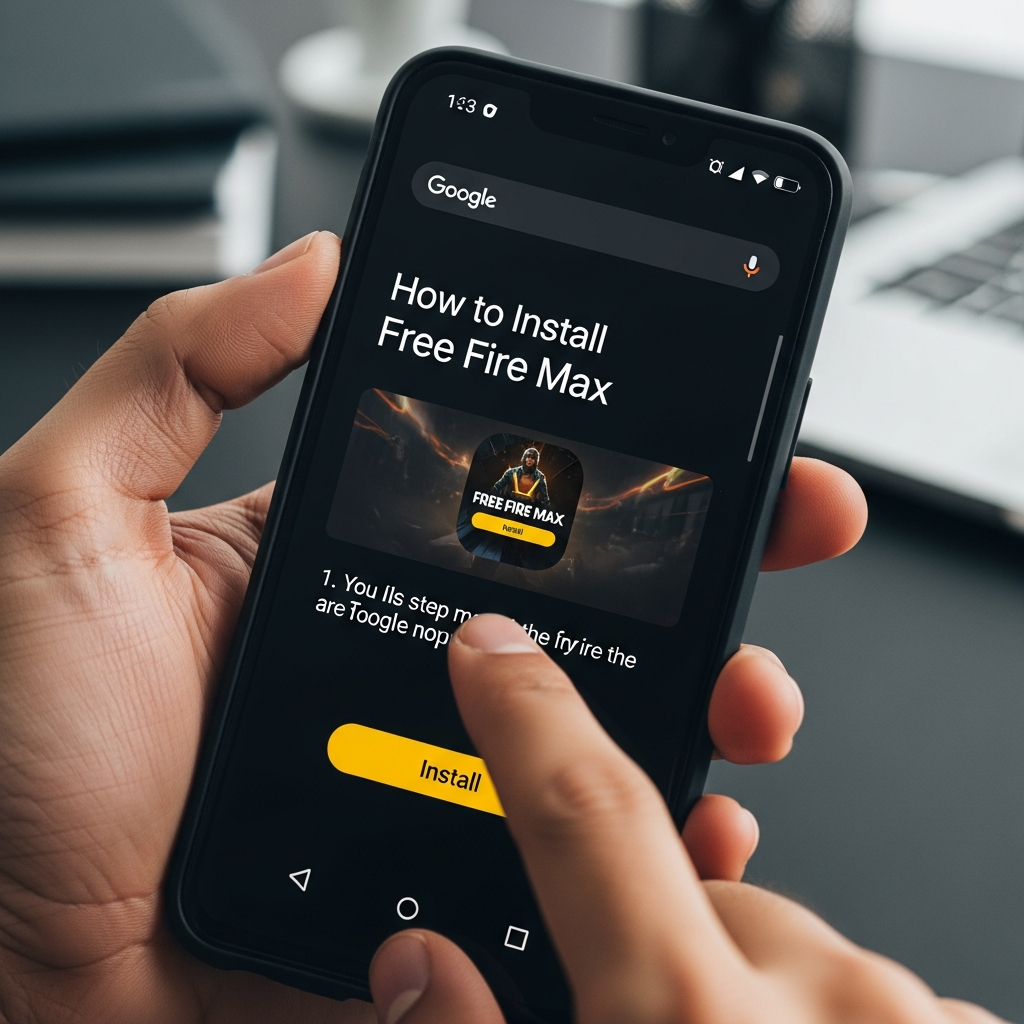
The most secure and straightforward way to install Free Fire Max on Android is through the official Google Play Store. This method ensures you receive the latest version and automatic security updates.
Step 1: Access the Play Store
Unlock your Android device and locate the Google Play Store icon. Ensure you are signed in with a valid Google account and that your internet connection (preferably Wi-Fi) is stable.
Step 2: Search for the Game
Tap on the search bar at the top of the screen and type “Free Fire Max”. From the results, look for the app published by Garena International I. Be careful not to download unofficial guides or copycat applications.
Step 3: Initiate the Download
Tap the green “Install” button. The Play Store will first check if your device has enough storage space. The initial download size is approximately 0.9 GB to 1.1 GB, but the game will require additional downloads once opened.
Step 4: Launch and Log In
Once the installation is complete, tap “Open”. You will be prompted to grant permissions for storage and microphone. Log in using your Facebook, Google, or VK account to sync your existing progress via Firelink.
Method 2: Manual Installation via APK and OBB Files
Sometimes, the Play Store might display an error such as “Your device is not compatible with this version,” or the game might be unavailable in your specific region. In such cases, you can install Free Fire Max manually using APK and OBB files.
Step 1: Download the Required Files
You need two specific files: the APK file (the application installer) and the OBB file (the data file containing graphics and sounds). Ensure you download these from a reputable source like APKPure or UpToDown to avoid malware.
Step 2: Enable Installation from Unknown Sources
By default, Android blocks installations from outside the Play Store. To bypass this, go to Settings > Security (or Privacy) and toggle the switch for “Unknown Sources”. On newer Android versions, you may need to grant this permission specifically to your browser or file manager.
Step 3: Install the APK
Open your File Manager and navigate to the Downloads folder. Tap on the Free Fire Max APK file and select “Install”. Once finished, do not open the game yet, as it will fail to run without the OBB data.
Step 4: Move the OBB File
This is the most critical step. Locate the OBB file (usually named main.xxxx.com.dts.freefiremax.obb). Copy this file and navigate to the following directory on your internal storage:
Android > obb > com.dts.freefiremax
If the com.dts.freefiremax folder does not exist, create it manually. Paste the OBB file inside this folder.
Step 5: Verify and Launch
Now, you can tap the Free Fire Max icon on your home screen. The game should recognize the data file and start the loading sequence without any “Download Failed” errors.
Optimizing Your Android Device for the Best Experience
Simply knowing how to install Free Fire Max on Android is only half the battle. To truly enjoy the “Max” experience, you need to optimize your device settings to prevent lag and frame drops.
1. Enable Game Mode
Most modern Android devices from brands like Samsung, Xiaomi, or OnePlus come with a built-in Game Turbo or Game Mode. Ensure this is activated to prioritize CPU and GPU resources for the game and to block distracting notifications.
2. Adjust In-Game Graphic Settings
Once inside the game, navigate to the Settings (Gear Icon) > Display. If you have a mid-range device, set graphics to “Standard” or “Ultra” but keep “High FPS” turned on. For high-end flagship devices, you can safely select “Max” graphics with “High Res” and “Shadows” enabled.
3. Clear Background Apps
Before launching the game, always clear your recent apps. Apps like Facebook, Instagram, and Chrome consume significant RAM, which can lead to stuttering during intense gunfights in Free Fire Max.
4. Maintain Battery Health
Avoid playing while your phone is charging, as this generates excessive heat. High temperatures cause the processor to “throttle,” drastically reducing your game’s performance.
Troubleshooting Common Installation Errors
Even with a detailed guide, you might encounter technical hurdles. Here is how to solve the most common issues:
- “App Not Installed” Error: This usually happens if you have an older version of the game still installed or if you don’t have enough storage space. Uninstall any previous versions and try again.
- “Download Failed Because You May Not Have Purchased This App”: This occurs when the OBB file is missing or placed in the wrong directory. Double-check that the OBB is in Android/obb/com.dts.freefiremax/.
- Black Screen on Startup: This is often a permission issue. Go to Settings > Apps > Free Fire Max > Permissions and ensure that “Storage” is allowed.
- High Ping/Lag: This is usually related to your network. Try switching from Mobile Data to Wi-Fi, or use a “Game Booster” app that optimizes your connection route.
Frequently Asked Questions (FAQ)
Can I play Free Fire Max with players using the regular Free Fire?
Yes. Thanks to Firelink technology, the servers are shared. You can team up with or play against players regardless of which version they have installed.
Is Free Fire Max free to play?
Absolutely. The game follows a free-to-play model with optional in-game purchases for cosmetic items like skins and emotes.
How much total space does Free Fire Max take?
While the initial download is around 1 GB, once you download all the resource packs, maps (like Bermuda Remastered), and skin data, the total size can reach 3.5 GB to 4 GB.
Will my progress be lost if I switch from Free Fire to Free Fire Max?
No. As long as you log in with the same social media account, all your characters, diamonds, and rank will be perfectly synced.
Conclusion
Learning how to install Free Fire Max on Android opens the door to a superior tactical shooter experience. By following the steps outlined above—whether through the seamless Play Store method or the manual APK/OBB route—you can ensure that your game is set up for peak performance. Remember to check your system requirements and optimize your device settings to fully enjoy the enhanced visuals and immersive gameplay that Garena has crafted.
Now that your installation is complete, it is time to drop into the map, find your favorite loot, and secure that Booyah! Happy gaming!